
Facade direction
Explore a coordinated architectural style without losing the character of the original house.
AI exterior home design
Use one real house photo to compare facade, paint, material, and landscaping directions before you commit to a renovation.


Start with one photo of your real space
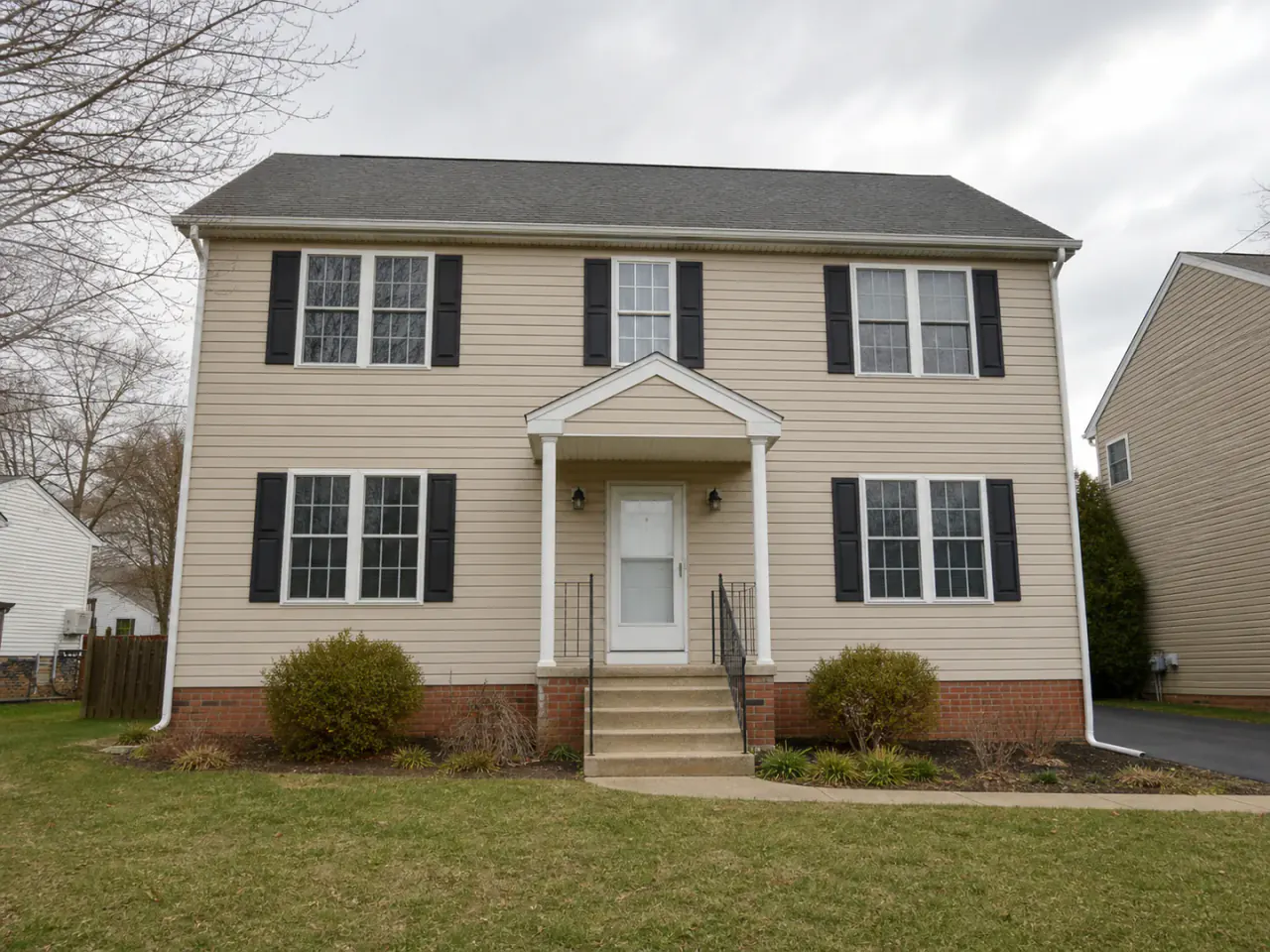
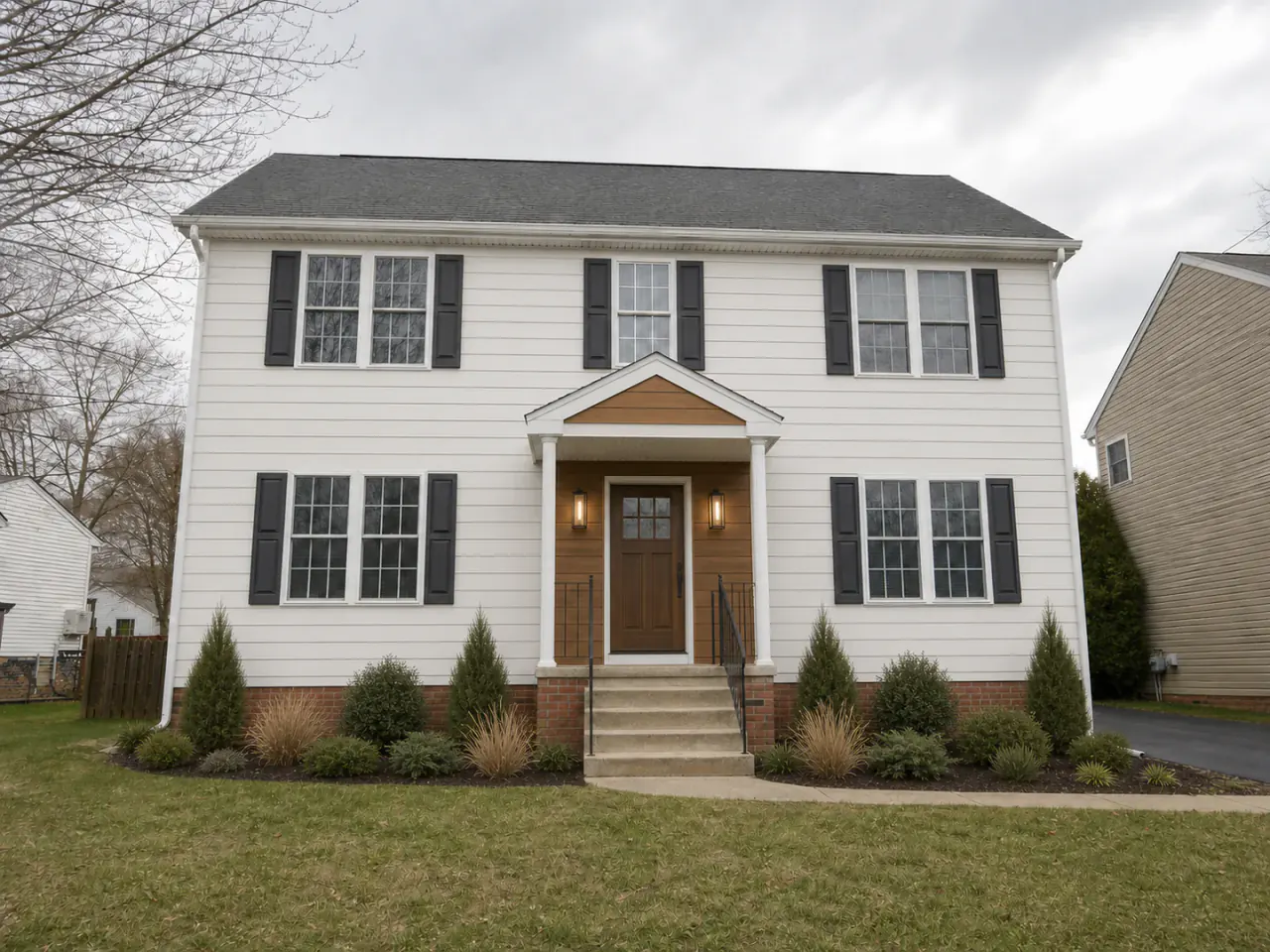 BeforeRenomo idea
AI exterior home design uses a photo of your existing house to visualize possible facade, color, material, and landscaping changes in context.
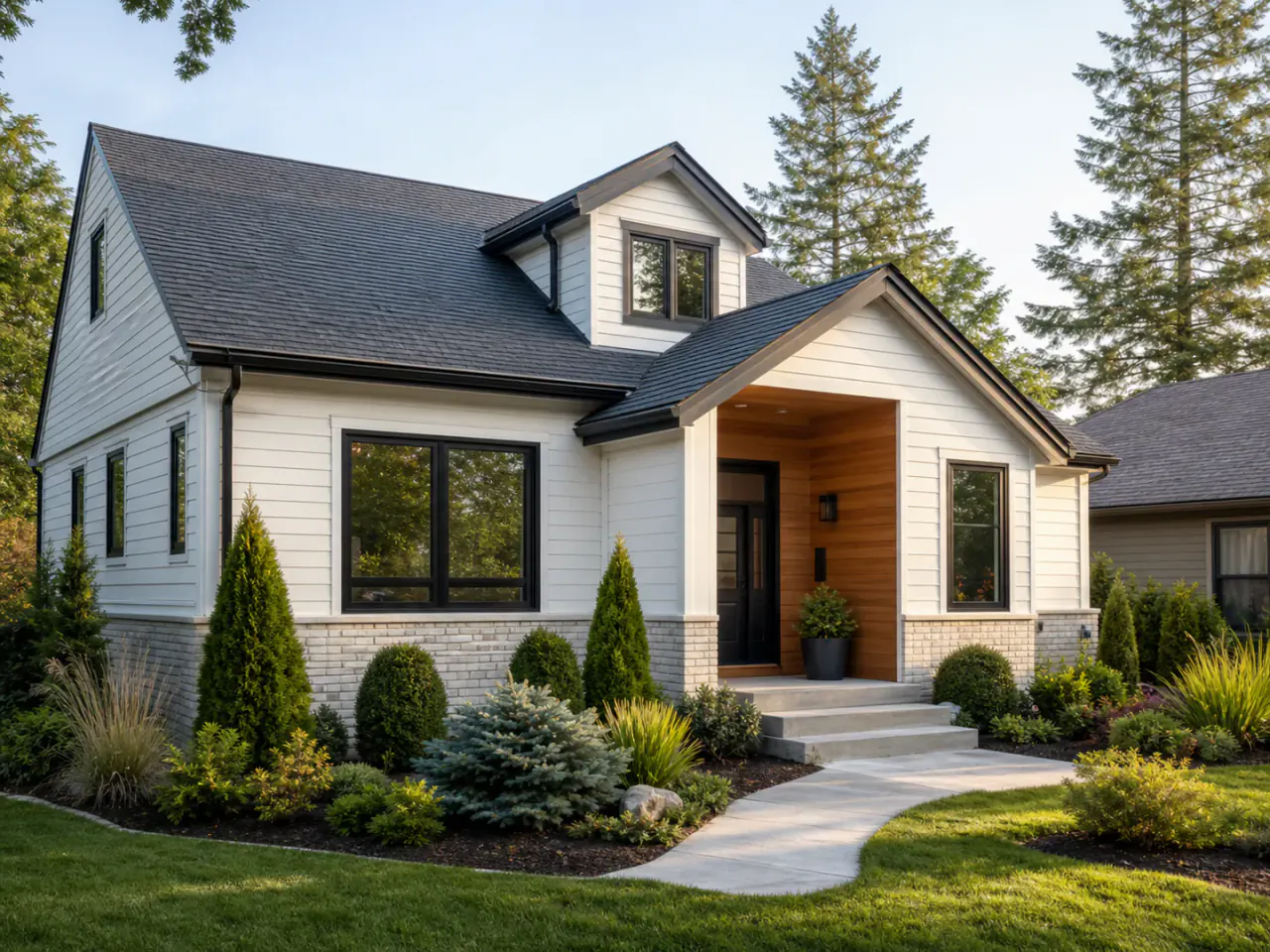
Your home stays recognizable
Renomo gives each idea the context that matters: your roofline, windows, entrance, proportions, yard, and surrounding property. That makes a visual direction easier to evaluate and easier to discuss.
What you can explore
Explore a coordinated architectural style without losing the character of the original house.
Test exterior colors, trim, shutters, siding, and material combinations together.
See how the facade and landscape can support one coherent first impression.
Compare several directions instead of treating the first generated idea as the answer.
Visual decisions in context
Each example should help narrow a real renovation question—not simply add another inspiration image.
A full exterior direction helps you see whether paint, materials, entrance details, and planting feel like one home—not a collection of disconnected choices.
Use closer concepts to examine siding rhythm, trim contrast, shutters, porch details, and how exterior colors meet the roof and brick.
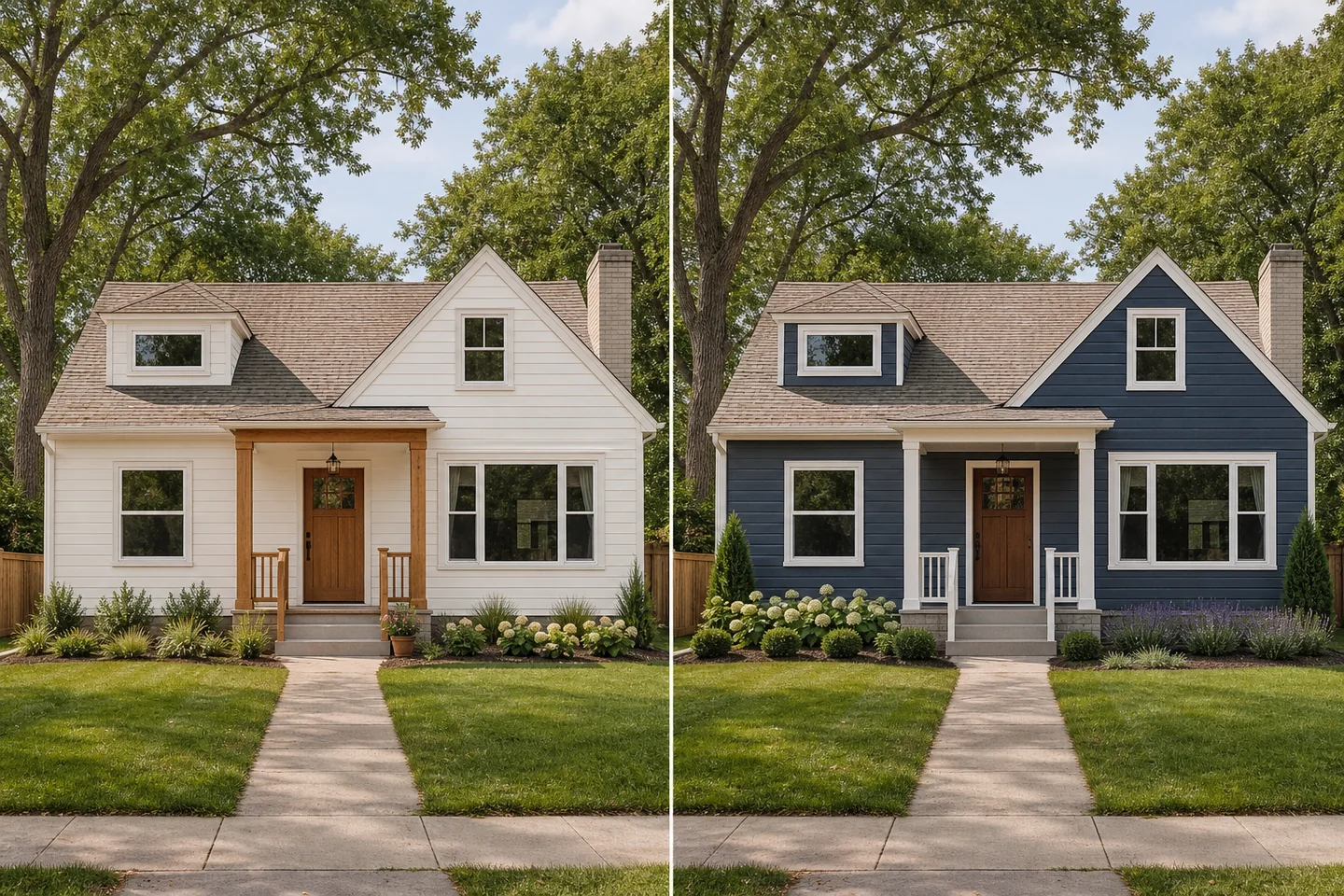
Save the ideas that feel promising and use them to communicate preferences to family, designers, or qualified local professionals.
How it works
Show the full area you want to explore, with the home and important surroundings in view.
Start with one renovation question so the visual is easier to compare and refine.
Save promising ideas, test alternatives, and use the result to clarify the real project brief.
A useful first decision
The clearest results begin with a focused photo and a focused question.
Include the full facade and enough of the yard to understand the property.
Start with facade, paint, or landscaping before asking for every change at once.
Check how the concept works with the roof, windows, masonry, and neighboring context.
Use the visual as a direction, then verify materials, dimensions, permits, and feasibility locally.
Use the result responsibly
Renomo helps you explore and communicate a renovation direction. It does not replace measured drawings, material samples, engineering, permits, or professional advice.
Continue exploring
Frequently asked questions
Your home, with more possibilities
Upload a photo, compare a new direction, and decide what is worth exploring further.